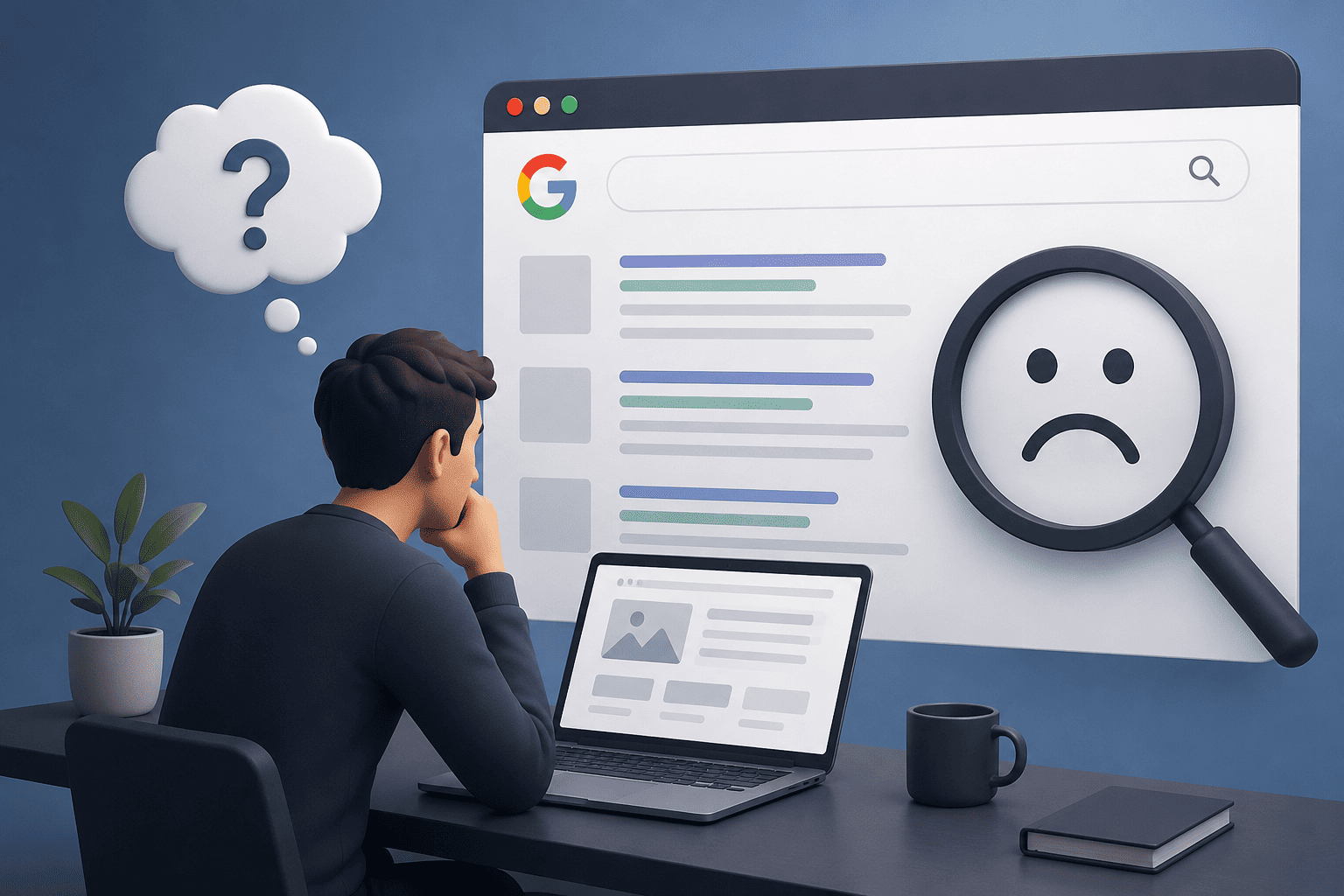
Think about the last time you needed a plumber, a dentist, or a restaurant in an area you didn’t know well. Chances are you typed something like “plumber near me” or “best restaurant nearby” into Google — and picked one of the businesses that popped up on the map, complete with a star rating, opening hours, and directions.
Now think about your own business. If someone searched for what you offer right now, in your town, would you be one of those results?
For a huge number of small and medium businesses in South Africa, the answer is no — not because they’re not good enough, but because they’ve never set up the one free tool that controls this entirely: their Google Business Profile.
This guide explains exactly how Google Maps rankings work, and what you can do — starting today, at no cost — to start showing up.
Google Maps results are a different game from regular search
It’s important to understand that the map results (often called the “Local Pack”) are ranked using a different system to the regular blue links below them. You can have a beautifully optimised website that ranks well for general searches, but still be invisible on the map — and vice versa.
Google ranks local results based on three main factors:
1. Relevance
How well your business profile matches what the person is searching for. This comes down to your business category, the services and products you’ve listed, and the keywords in your business description and reviews.
2. Distance
How far the searcher is from your business location — or from the area they specified in their search (e.g., “accountant in [town name]” even if the searcher is currently somewhere else).
3. Prominence
How well-known and well-reviewed your business is. This includes the number and quality of your reviews, your overall star rating, and how often your business is mentioned or linked to online.
The good news: all three of these are things you can actively influence — most of them for free.
Step 1: Claim and fully complete your Google Business Profile
If you haven’t already, search for your business name on Google. If a profile already exists (sometimes created automatically), you can claim it. If not, you can create one for free at business.google.com.
This is the single most important step, and most businesses stop here — completing maybe 30% of their profile. To actually compete, you need to fill in everything:
- Business name (exactly as it appears on your signage and website — no extra keywords stuffed in)
- Primary category (be specific — “Web Design Company” rather than just “Business”)
- Secondary categories (add every relevant one — e.g., a digital marketing agency might also add “Marketing Consultant” and “Graphic Designer”)
- Address — and if you’re a service-area business without a storefront, you can hide your exact address and just show your service area
- Service areas — list every town or suburb you serve
- Phone number — use a local South African number, not a generic WhatsApp link
- Website URL
- Opening hours (and update these for public holidays — Google notices when this is accurate)
- Business description — a natural, keyword-rich paragraph describing what you do and who you serve
- Services and products — list every individual service with a short description
- Photos — see below
- Attributes — things like “identifies as women-owned,” “wheelchair accessible,” “free Wi-Fi,” etc., where relevant
A profile that’s only half-filled out tells Google (and customers) that the business isn’t actively managed — and that affects ranking.
Step 2: NAP consistency — the unglamorous detail that matters more than you think
NAP stands for Name, Address, Phone number — and consistency across the internet is one of the most underrated local SEO factors.
Here’s the issue: if your Google Business Profile lists your business as “Prime Designs,” but your Facebook page says “Prime Designs SA,” and an old directory listing says “Prime Design Agency” with a different phone number — Google sees these as potential signals of an unreliable or outdated business.
What to do:
- Decide on the exact format of your business name, address, and phone number
- Make sure this exact format appears identically on:
- Your website (especially the footer and contact page)
- Your Google Business Profile
- Facebook, Instagram, and any other social profiles
- Online directories (Yellow Pages, Yelp, industry-specific directories)
- Update any old or duplicate listings you find
This sounds tedious, but it’s a one-time cleanup that pays off long-term.
Step 3: Reviews — quantity, quality, and recency
Reviews are one of the strongest “prominence” signals Google uses, and they’re also what convinces a potential customer to actually click through and contact you.
A few things matter here:
- Volume: more reviews generally helps, especially when competitors have very few
- Recency: a steady stream of recent reviews signals an active, trustworthy business — five reviews from 2021 and nothing since looks stagnant
- Rating: obviously, higher is better, but even a 4.2–4.6 with lots of detailed reviews often outperforms a 5.0 with only three
- Responses: replying to reviews — especially negative ones, professionally and constructively — shows Google (and future customers) that you’re engaged
- Keywords in reviews: when customers naturally mention what you did for them (“Prime Designs redesigned our website and helped us rank for plumbing services in our area”), it reinforces your relevance for those terms
How to get more reviews without being pushy:
- Ask at the natural “high” moment — right after delivering great work, when satisfaction is at its peak
- Make it easy: send a direct link to your review page via WhatsApp or email (Google Business Profile gives you a shareable review link)
- Avoid review gating (asking only happy customers to leave reviews while diverting unhappy ones elsewhere) — this violates Google’s guidelines and can get your profile penalised
Step 4: Photos and visual content
Listings with photos receive significantly more requests for directions and website clicks than those without. Google itself states that businesses with photos get more engagement than those without.
Add and regularly update:
- Logo and cover photo
- Exterior shots (helps people recognise your premises)
- Interior shots (builds trust and sets expectations)
- Team photos (adds a human element — particularly effective for service businesses like medical, legal, and hospitality)
- Photos of completed work (before/after shots are powerful for trades, design, and renovation businesses)
Google also allows short videos — and given the shift toward video content across platforms, even a simple walkthrough clip can help your listing stand out.
Step 5: Use Google Posts and Q&A
Most businesses don’t know that Google Business Profiles work a bit like a mini social media page. You can publish Posts — short updates about offers, news, events, or new services — directly to your profile, where they appear to people viewing your listing.
Similarly, the Questions & Answers section lets you pre-empt common customer questions (e.g., “Do you offer free quotes?”, “Are you open on weekends?”) by adding them yourself and answering them clearly.
Both of these signal to Google that your profile is active and well-maintained — which factors into how often you’re shown.
Step 6: Build local citations and backlinks
A citation is any online mention of your business name, address, and phone number — even without a link. Local directories, industry associations, chamber of commerce listings, and local news mentions all count.
For backlinks specifically, look for opportunities like:
- Local business directories relevant to South Africa
- Industry-specific associations (e.g., real estate boards, legal directories, medical practice listings)
- Partnerships with complementary local businesses (cross-mentions or links)
- Local press coverage — even a small mention in a community newsletter or local news site helps
These don’t need to happen all at once. A steady trickle of new, relevant local mentions over time is far more valuable than a sudden burst.
Where Prime Designs fits in
At Prime Designs, local SEO is a core part of how we help South African businesses get found — particularly for service businesses where “near me” searches genuinely drive bookings and enquiries (think medical practices, legal firms, real estate agents, and hospitality venues).
We handle the full setup and ongoing management: Google Business Profile optimisation, citation building, review strategy, and the on-page SEO that supports it — so your business shows up exactly when local customers are searching.
Want a free check of how your business currently appears on Google Maps?
Send us a message on WhatsApp and we’ll take a look.
Or visit us at prime-designs.co.za to see our full range of digital marketing services.
Prime Designs is a full-service web design and digital marketing agency based in South Africa. We help established businesses grow their online presence through strategic web design, SEO, and paid advertising.